Read the prefix
Giga (G) is a decimal SI prefix: 1 GB is 1,000,000,000 bytes. Gibi (Gi) denotes a binary power: 1 GiB is 1,073,741,824 bytes. NIST explicitly says SI prefixes should not represent binary powers.
Convert by bytes
First convert the given amount to bytes, then divide by the destination unit’s byte count. Do not treat GB and GiB as spelling variants. A system interface may label storage inconsistently, so confirm its definition when a capacity comparison matters. The size of the underlying file does not change when you express it in another unit.
Why 10 becomes about 9.31
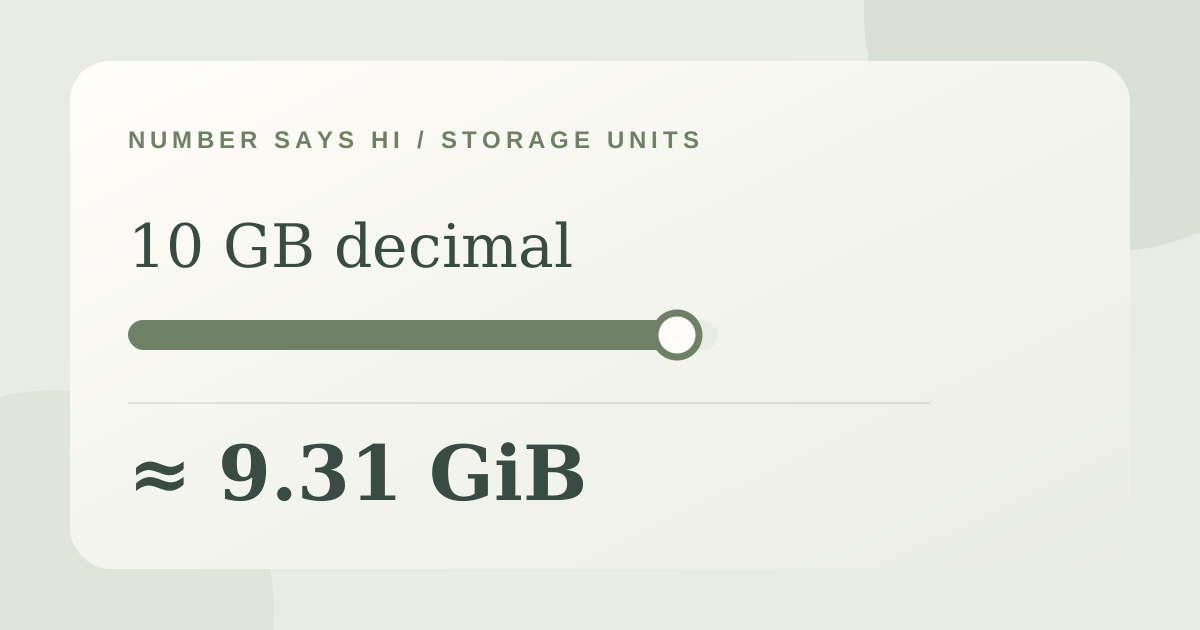
A decimal gigabyte counts one billion bytes. A gibibyte counts 2^30 bytes, or 1,073,741,824. Divide the same byte count by a larger unit and the numerical count becomes smaller. In the example, no bytes were lost when 10 GB became about 9.31 GiB. The discrepancy is a change of unit, much like reporting the same length in kilometres and miles.
Bits add another factor
A lowercase b commonly denotes bits and an uppercase B denotes bytes. Eight bits make one byte, so 100 megabits per second is not 100 megabytes per second. Transfer speeds can also be affected by overhead and equipment, so the unit conversion alone is not a promised download time. Read both the prefix (decimal or binary) and the bit/byte symbol before comparing a file, drive, or network specification.
Try it with your numbers
Try “Convert 10 decimal GB to GiB.” Use both the prefix and the bit-or-byte symbol. A bare “10 gig” leaves out too much information. If you are comparing a network rate with a file size, convert bits to bytes separately and remember that a unit conversion does not account for transfer overhead.
Try it yourself
A worked example
Decimal to binary storage
“How many GiB is 10 GB?”
- 10 GB = 10,000,000,000 bytes
- 10,000,000,000 ÷ 1,073,741,824 ≈ 9.313
Sources and further reading
- Guide to the SI: Units and PrefixesNational Institute of Standards and Technology · accessed 2026-10-18